En
En 
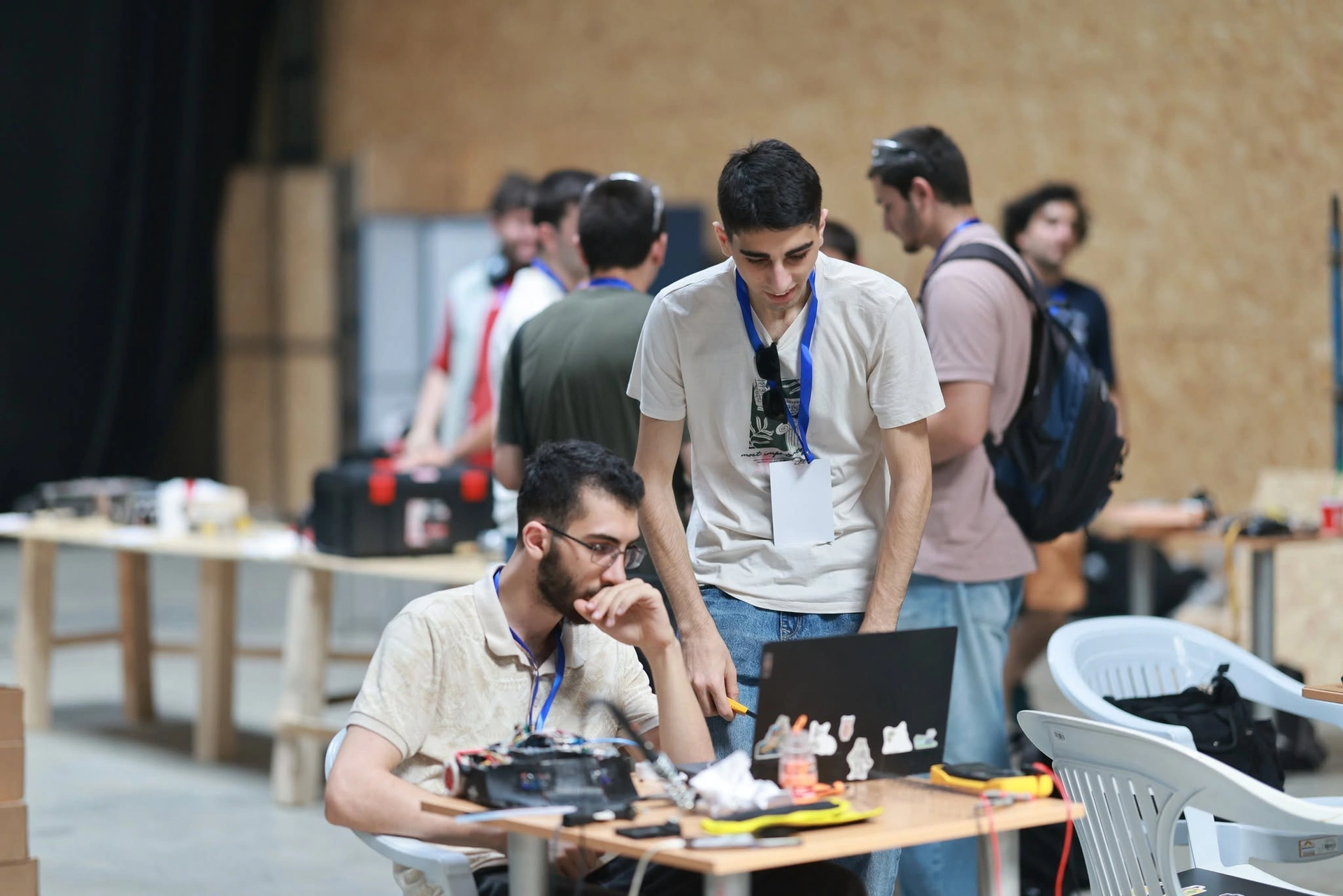
Why start a robotics club at school
A robotics club at school gives pupils what a 45-minute lesson rarely can: time to build, test, fail, fix and try again. One robot brings physics, mathematics, informatics and technology together — STEM at school in its most practical form. If your school is thinking about a robotics course, a club is the easiest first step.
School robotics: line following, zigzag and labyrinth explains the competition tasks; this guide is about the club itself: the leader, the first equipment, a first-term plan, projects by grade, safety in the room, money, and how a school joins the GRA network.
Who runs the club: the leader, the room, the budget
The leader is usually a physics, informatics or technology teacher, but any teacher willing to learn alongside the pupils will do: being organised and curious matters more than an engineering degree. Parents, students and former pupils make great helpers.
The group: 8–16 pupils per adult, in teams of 2–4 around one robot. Rotate the roles: builder, programmer, tester with a stopwatch, and the one who keeps the team's notes. Meet once or twice a week, ideally for 80–90 minutes — unpacking and tidying up take time too.
The room: solid tables, enough sockets, a computer per team, labelled boxes for each team's parts and a lockable cupboard for kits, tools and batteries.
Money, in plain words: start small — one set of kits and tools covers the first term. The usual sources are the school budget, the parents' committee, local companies and grant projects through universities and non-profits. GRA's own school events grew this way: Robo Festival 2024 was held together with Ilia State University and the EU-funded project "Youth Technology Clubs Network". Talk to the director early: a room, a slot in the timetable and a cupboard matter as much as money.
First equipment: a kit or Arduino?
Both routes work; just keep all teams on the same platform, so you teach everyone at once and share spare parts.
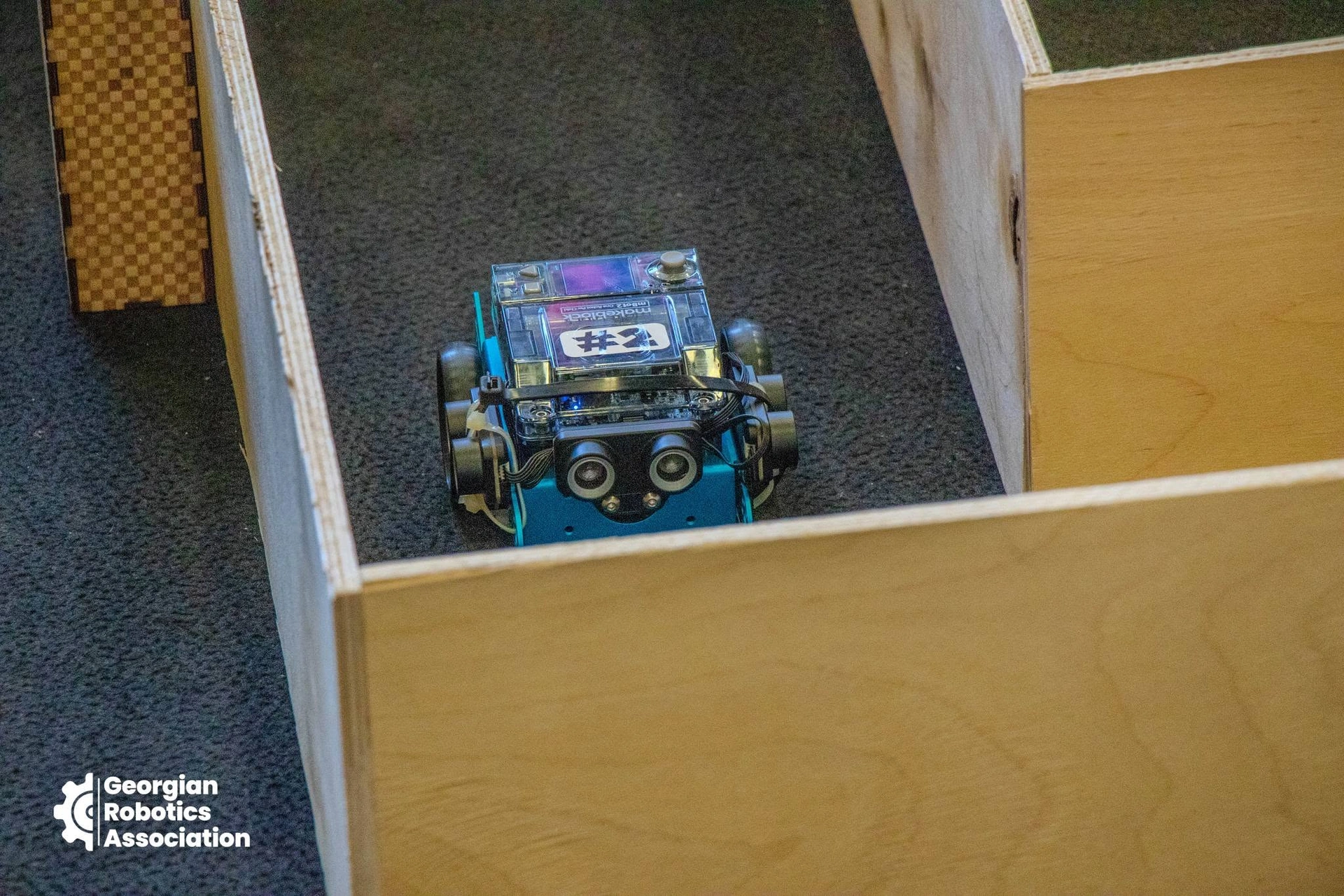
- An educational robot kit (mBot-type or 4WD Smart Robot Car-type): a chassis, motors, a line sensor and an ultrasonic distance sensor, programmed first with blocks and later in Arduino C. Teams at GRA's first school competition used exactly these two kinds. Quick to start and sturdy — best for beginners and younger grades.
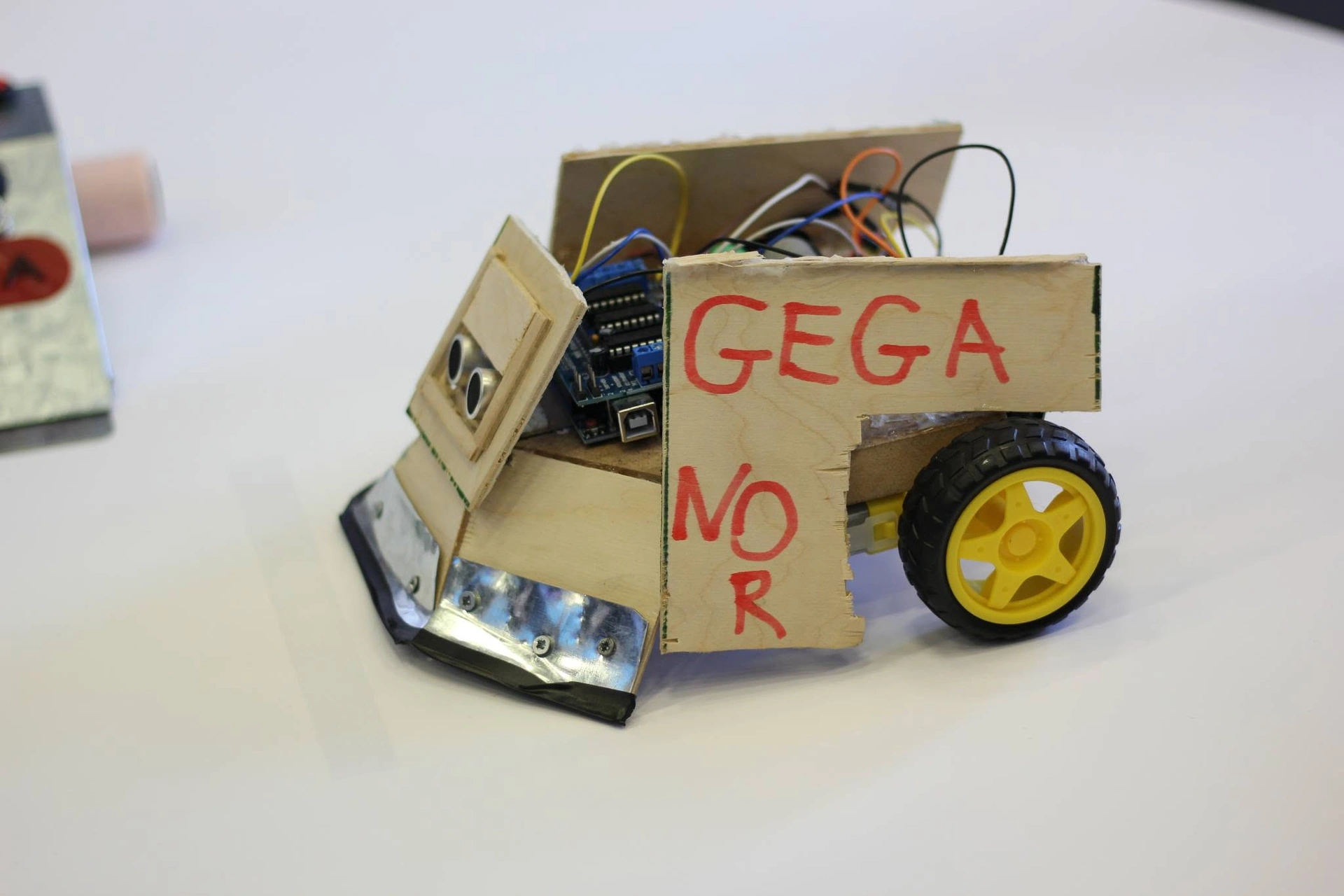
- An Arduino-based set: an Uno or Nano board, a motor driver, two gear motors with wheels, a chassis, IR line sensors, an ultrasonic sensor, a battery holder, a breadboard and jumper wires. It is slower, with more troubleshooting, but pupils learn real electronics — better for older grades.
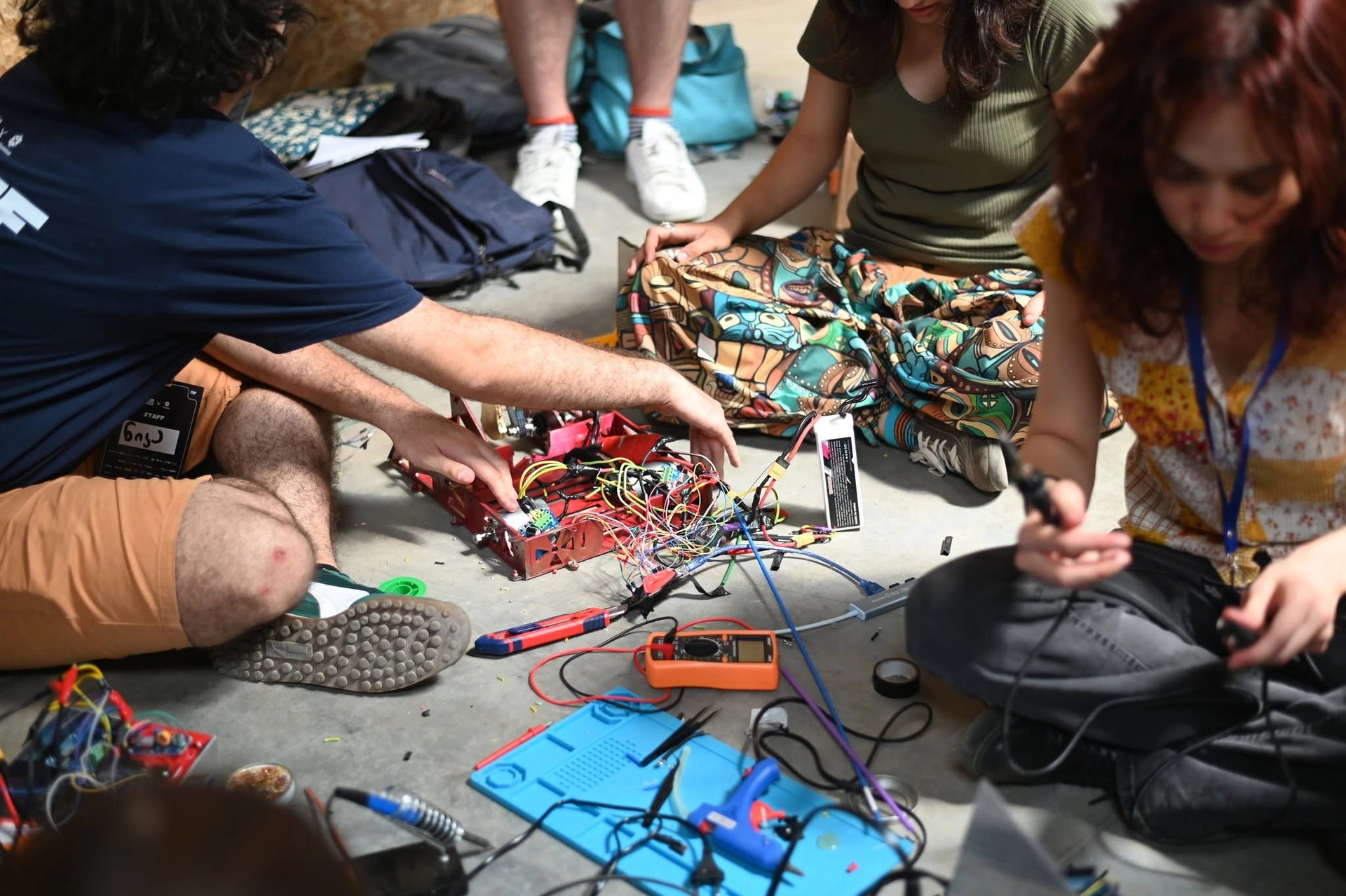
Shared tools: a multimeter, screwdrivers, side cutters, wire strippers, a temperature-controlled soldering station with a stand and fume extraction, safety glasses, rechargeable AA batteries and a charger; for a test track, a white board and black electrical tape.
How the parts work: Electronics basics and Arduino for beginners; a first build step by step: My first robot.
A weekly plan for the first term
Some 16 weeks are enough to get from an empty room to a robot that follows a line. The diagram shows weeks 1–16 and seven stages:
- Weeks 1–2: safety rules, tools, teams and roles, unpacking the kits.
- Weeks 3–4: electricity — a circuit, an LED and a resistor on a breadboard, the multimeter.
- Weeks 5–6: first programs — blink, a button, reading a sensor.
- Weeks 7–9: motion — assemble the robot; forward, turn, a square.
- Weeks 10–12: sensors — stop in front of a wall, read the line sensors, a first line follower.
- Weeks 13–14: a timed challenge — a zigzag line and a small labyrinth, as at GRA's school competition.
- Weeks 15–16: show day — a mini-competition and a demo for parents; each team tells what worked and what did not.
The bar at the top (8) is one session: 10 minutes of explanation, 60 of building and testing, 10 of tidying up and noting the results. In the second term teams choose their own projects.
Projects by grade and safety in the room
Match the projects to the age:
- Grades I–VI: kits with big parts and block programming; gears, levers and pulleys; a robot that drives a route or stops at a line.
- Grades VII–IX: a two-wheel robot with sensors — line follower, obstacle avoider, a simple labyrinth; first Arduino circuits; a small STEAM project such as automatic plant watering.
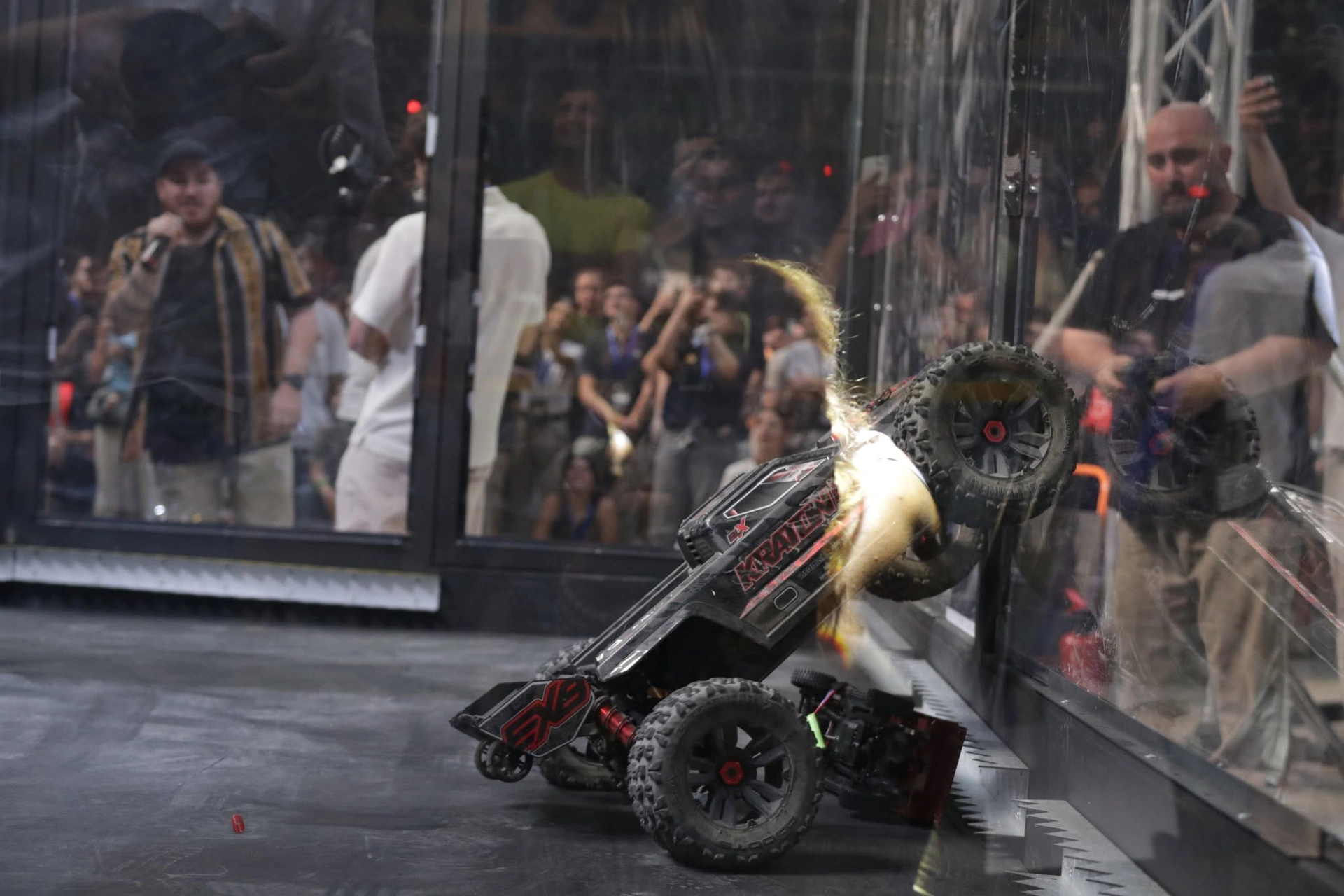
- Grades X–XII: their own designs — PID line following, a SUMO robot, 3D-printed parts, ESP32 projects. Pupils aged 16 and over can even join a ROBO BATTLE combat robot team, with an adult team member and a parent's consent.
Room rules (print them for the wall):
- Robots on the floor or in the middle of the table, never at the edge; hands off wheels and gears while the power is on.
- Soldering only with the leader present: the iron in its stand, ventilation, safety glasses, hands washed afterwards.
- Batteries: never short them; charge with the right charger and never unattended (LiPo in a fire-safe bag); take them out of robots for storage; retire swollen ones.
- Low voltage only — batteries or USB; never open mains power supplies.
- Hair tied back, no food or drinks near electronics, a first-aid kit in the room.
- The last 10 minutes: power off, parts in their boxes, tools counted.
Preparing a team for GRA's school competition
A good goal for the school year is GRA's school competition. In GRA's 2026 rules (the report):
- two tracks: zigzag (a black or white line 1.6 cm wide) and labyrinth (corridors 30 cm wide, at most 3 minutes);
- one autonomous robot for both, with no remote control: up to 1 kg, fitting in a 180 × 280 mm box, moving within 5 seconds of pressing its start button;
- teams of 2–5 pupils from grades VII–XII, and a school may enter several; two attempts, the better one counts; one team member at the arena; taking part was free for schools in 2026.
Each championship publishes its current rules on its page — see the competitions. Pick the competition team 8–10 weeks ahead, build full-size practice tracks and time every run. Week-by-week preparation: Line follower robot rules; the labyrinth: The labyrinth robot; the build: Building a line follower.
How a school joins the GRA network
The GRA network is the public list of schools, universities and organisations that work with the association: the network page has a card for each, and a school's card shows its competition results too. Membership runs for a school year, from 1 September to 31 August (the bar in the diagram; August, in red, is renewal time). The steps:
- Sign in on gra.ge — every application on the site needs an account — and open the school application.
- Fill in the form: the school (name, identification code, town, address, official e-mail, phone, director), the club (or whether you would start one), the club leader, equipment and needs, and the commitments.
- The official e-mail: the school's official address receives a summary, a pre-filled letter (PDF) and an upload link.
- The director signs the letter, and its scan (PDF, JPG or PNG, up to 8 MB) is uploaded through the link.
- GRA reviews the application; the approval, or a refusal with the reason, is e-mailed to the school, the applicant and the club leader.
- On the network page: if the school agreed to the public listing, it appears there.
- Every year from 1 August a renewal link comes to the official address: the form opens with last year's answers — confirm or edit them, and upload the new signed letter. A membership not renewed by 31 August expires.
- New club leader? Report it within 14 days: the applicant names the new leader in their profile, and the school confirms it through a link sent to its official e-mail.
When a team registers for a GRA competition, it can name its school, so the school's participation shows on its card too. Universities and colleges fill in a shorter interest form.
What next
- Join the network: the GRA network and the school application.
- Plan the year: competitions, events, the 2026 school competition and the STEAM project competition.
- Teach the basics: Electronics basics, Arduino for beginners and the Georgian–English robotics glossary.
- Partners and volunteers: get involved.
Every school robotics article is on the topic page.